Design, marketing and media
AI for agencies and studios: images, copy and clips, made in-house
Image services charge per picture or per month, see every brief and client product you upload, and are often blocked from Iran. TehranQ sets up image generation on hardware you own, ComfyUI with FLUX- and SDXL-type models, beside an open-weight model your team uses for copy, captions and translation in Persian and English.
- Design studios
- Marketing and advertising agencies
- Online shops
- Publishers and translation agencies
- News and media
- Video, dubbing and game studios
Why local matters here
A campaign is confidential until launch day, and a client’s unreleased product is not yours to upload anywhere. With your own image server, briefs and product photos stay in the office. There is no per-image bill, so a designer can try as many versions as the idea needs instead of rationing them, and nothing stops when a foreign service blocks Iranian users.
What your studio could do with it
Concepts and drafts, fast
Turn a brief into a set of concept images, mood boards or banner drafts in ComfyUI, and settle the direction with the client before anyone spends a day on it. There is no per-image cost, so try plenty.
Image →Your product, your style
Train a LoRA on your product or your brand’s look, so new images stay on style. An online shop can make backgrounds and variations around its own products, and the product photos never leave the office.
Image →Short clips, if you really need them
Clips of a few seconds from text or from a still image: a moving product shot, a teaser, an idea for a storyboard. They render in overnight batches on a heavy machine, and most agencies are better off without it.
Video →Copy and captions in your brand’s voice
Keep the brand guide, product facts and each client’s tone as shared contexts, shared with everyone, or assigned by an admin to the person who handles that client, and draft ad copy, product descriptions and captions in Persian and English. A bigger model writes better copy.
Shared context →Translation and editing drafts
A publisher or a translation agency attaches a text file or a PDF and gets a first draft of a translation between Persian and English, a chapter at a time, as much as the model’s context holds, or an edit to the house style set in the company instructions. Every page is still the editor’s.
Workspace →Interviews and footage into text
Transcribe the audio of interviews, podcasts and footage in Persian or English with timestamps: a start for subtitles and dubbing scripts. Text to speech gives a rough guide track. Names and terms need checking.
Speech →Sample: a caption and a description from a product sheet
A made-up product sheet for a saffron-and-rose herbal tea, and the shop’s brand voice. This is how it goes in the Workspace. Generated images are made in the image tool, beside it.
- 01
The brand voice, written once
Marketing keeps the brand’s voice as a shared context: warm and simple, no health claims, always the origin, exactly three hashtags.
- 02
The product sheet, as an image
Someone attaches the product sheet and asks for an Instagram caption and a 60-word description.
- 03
The copy, then an editor
The model writes both in the brand’s voice. A person edits them before anything is posted.
Write an Instagram caption and a 60-word product description for this tea, in our brand voice.
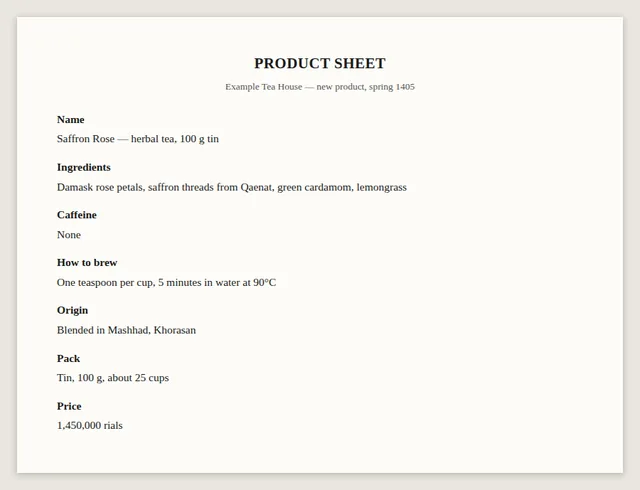
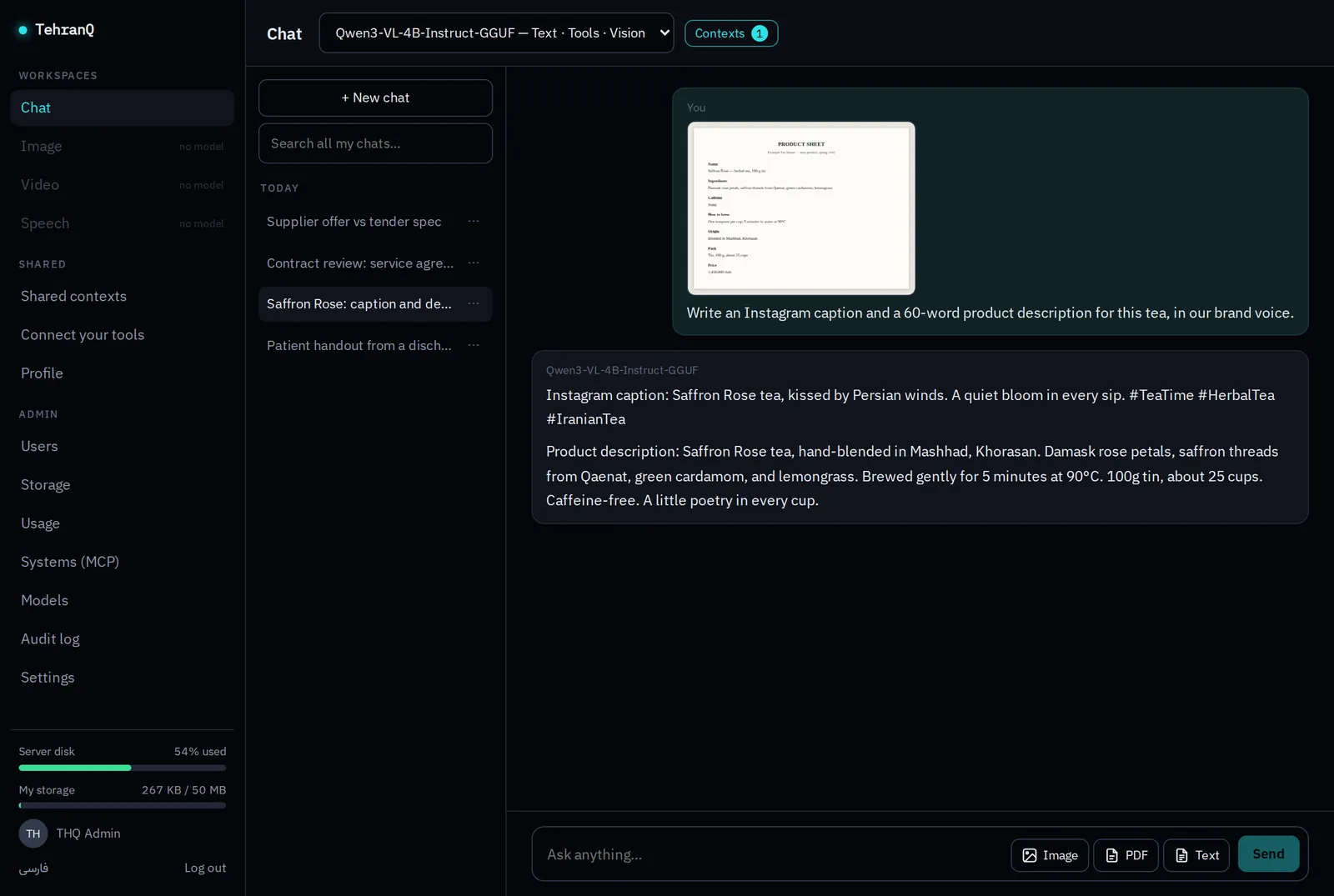
Answered by Qwen3-VL-4B, which reads images, on a laptop’s 6 GB GPU in about 4 seconds. A person edits everything before it is posted.
Made on our own hardware: images, a video and a voice-over
Everything below was generated on a laptop’s 6 GB graphics card with open-weight models, and nothing was sent anywhere: product shots and a campaign image with FLUX.1-schnell, a two-second clip with Wan 2.1, and the voice-over with Piper. On a proper server each takes a fraction of the time.
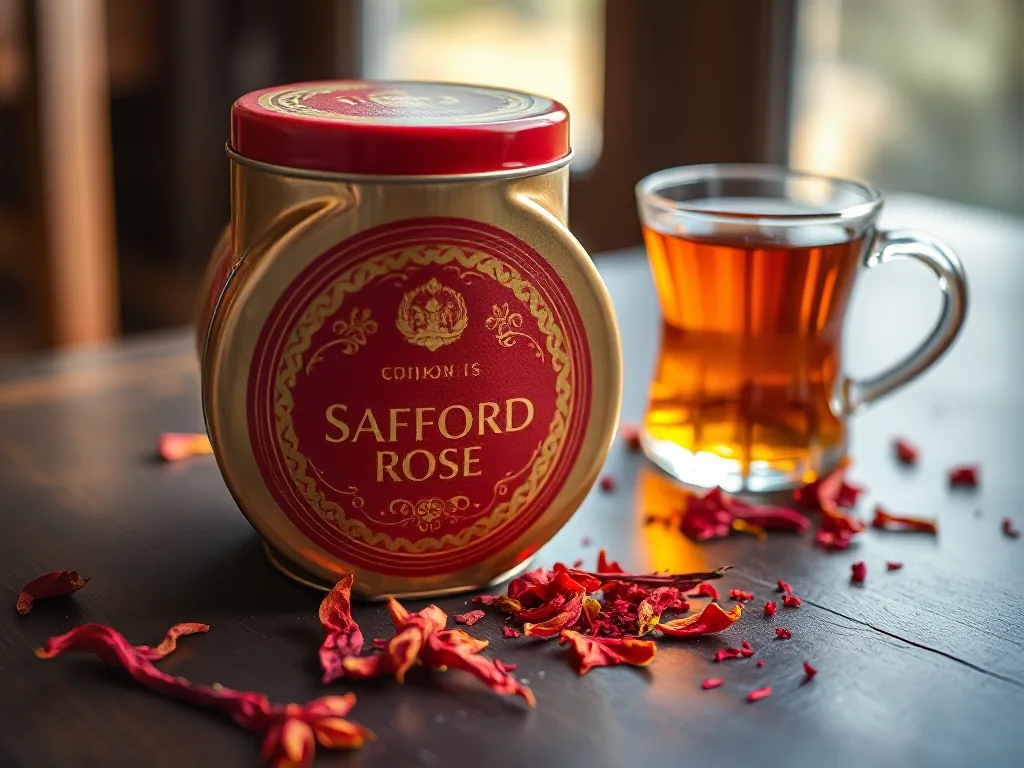
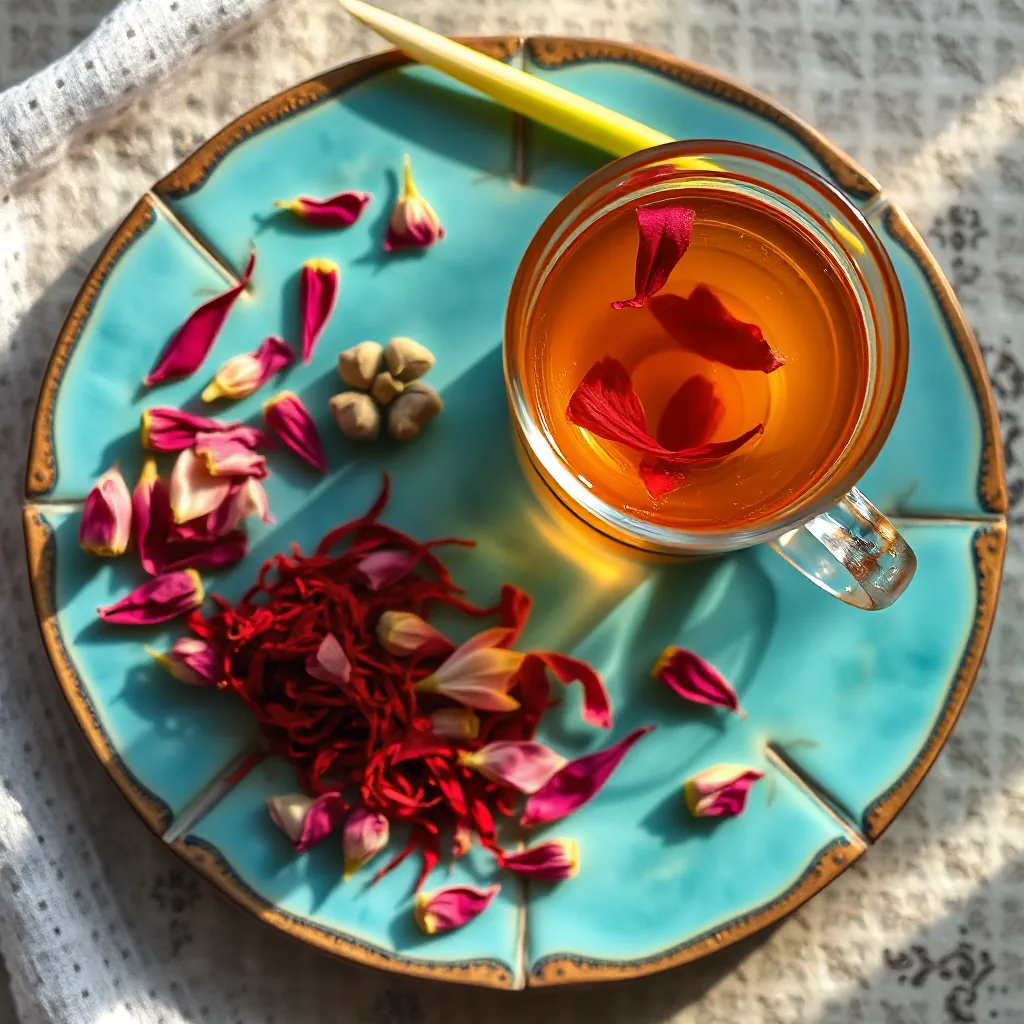
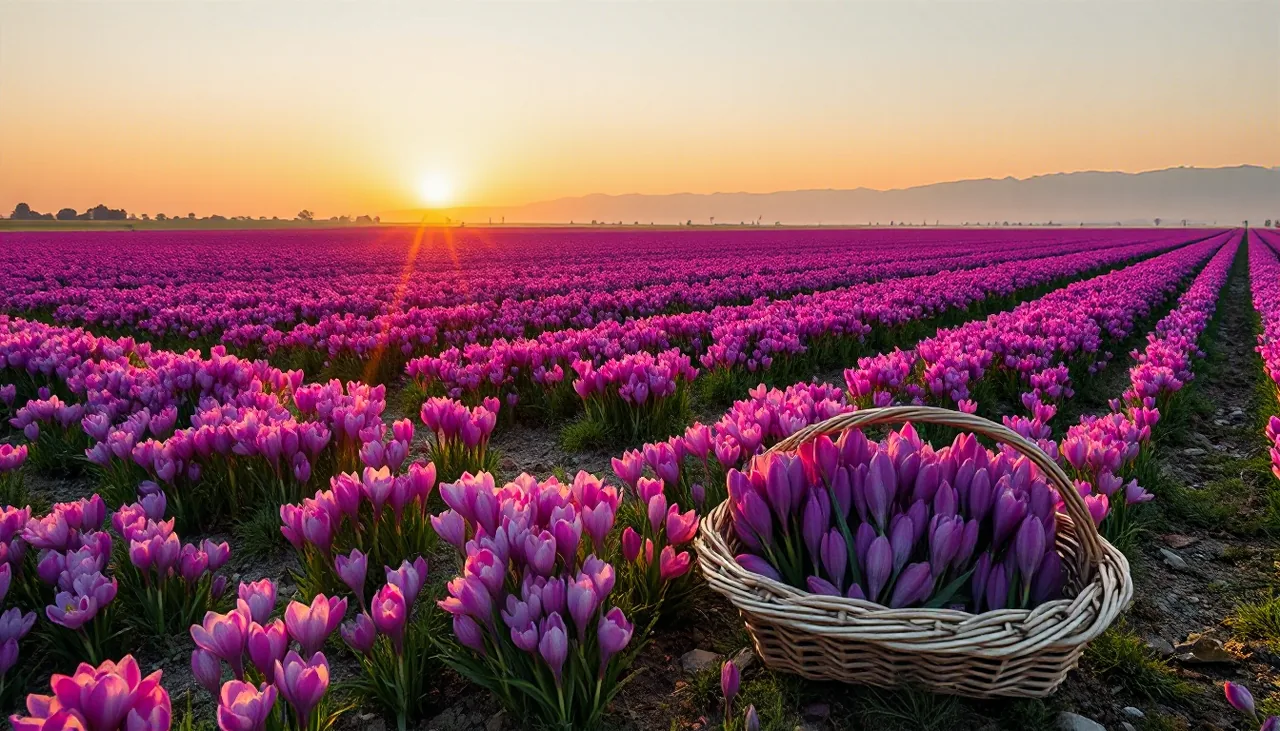
Saffron Rose tea, kissed by Persian winds. A quiet bloom in every sip. Blended in Mashhad, Khorasan.
دمنوشی که طعم و روح زمین میآورد. از گل محمدی، زعفران و علف لیمو. از خراسان، برای شما.
All open-weight and licensed for commercial use: FLUX.1-schnell and Wan 2.1 (Apache-2.0), Piper voices amir (CC0) and kristin (public domain). Times are on a laptop with an RTX 2060 (6 GB); a 24 GB card makes images in seconds and longer clips in minutes. Lettering inside images, Persian above all, needs a designer’s check.
Shared contexts an agency or studio keeps
- The brand guide: voice, words to use and words to avoid
- Product facts for descriptions and captions
- A client’s brief, assigned to the person who handles that client
- House style and a translation glossary
- Rules for each social platform and ad format
Apps an agency or shop might connect
- The online shop’s catalogue and orders
- The CRM and client accounts
- The project and task tracker
- The content management system (CMS)
What it takes
Image generation and chat are separate loads, and each needs its own memory. A 12 GB graphics card is enough for SDXL; FLUX wants more. For chat, 12 GB serves a few light users on an 8B model, and a team writing at the same time wants 24 GB or more. Transcription takes about 10–12 GB. Video is the heavy one: 24 GB is where it starts, clips render in overnight batches, and most companies do not need it. The System builder works out the machine.
Size your system →Where it falls short
It makes a designer faster; it does not replace one, and every image still needs a designer’s eye before it goes to a client. Persian text inside generated images is poor, so set Persian type afterwards in your design software. Video means clips of a few seconds and heavy hardware. Image and video generation are tools of their own beside the Workspace, not part of its chat. Landing on exactly the image in your head takes several attempts. And copy is only as good as the model: a small model writes flatter Persian, so size it for the writing you need.
Questions agencies and studios ask
Can it replace our designers?
No. It makes drafts, variations and concepts quickly, and a designer chooses, fixes and finishes them. It works best in the hands of people who already know what good looks like.
Can it put Persian text in images?
Not well yet. Persian lettering inside generated images comes out broken or wrong, so generate the image without text and set the type afterwards.
What hardware does image generation need?
A 12 GB card is enough for SDXL-type models; FLUX wants more memory. Image work is batch work, so a few more seconds per image costs little. Video is far heavier, and starts at 24 GB.
Do our clients’ briefs leave the office?
No. Prompts, reference images and results stay on your server, and there is no per-image cost. If someone connects a cloud tool such as Cursor or Claude to your shared contexts, what it reads goes to its provider, and the Workspace says so.
Is image generation part of the Workspace?
Not yet. It runs as a tool of its own, ComfyUI, on your server beside the Workspace. Chat, shared contexts and copywriting are in the Workspace; images, video and transcription are separate tools.
Other industries
Tell us about your business
Say what your team does and how many people; we will tell you what it would take — and if it is not worth it for you, we will say that too.
Request an assessment